
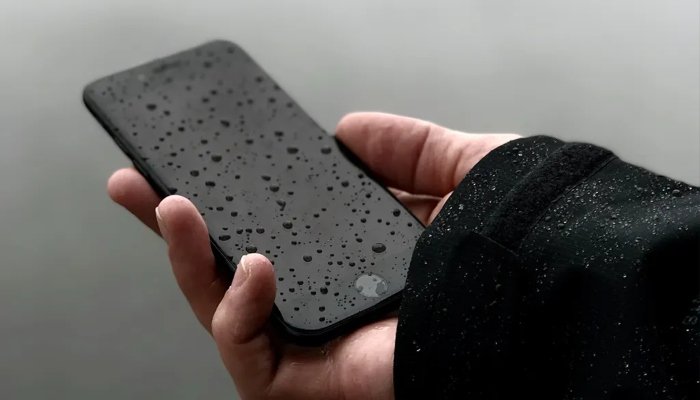
If water gets into your smartphone, the first and most important step is to turn it off immediately. Avoid pressing other buttons or trying to use the device, as this can increase the risk of water reaching internal components.
Smartphones have become an essential part of everyday life, keeping people connected to family, friends, social networks and a wide range of digital services. While many modern phones offer some level of water resistance, exposure to water can still cause serious damage.
Turn the Phone Off Immediately
Whether the phone has fallen into water or liquid has spilled over it, switch it off as soon as possible—even if it is still working.
Avoid pressing buttons unnecessarily, as doing so could allow water to move further inside the device.
Once switched off, keep the phone away from electrical sources. Water inside electronic components can create a risk of short circuits and may also pose an electrical safety hazard.
If the phone has a removable battery, take it out. Also remove the SIM card and SD card if possible.
Dry the Phone Carefully
Use a soft, clean cloth to gently wipe the phone, including its front, back and sides.
You can also carefully remove visible water around the charging and headphone ports, but avoid forcing anything into the openings.
After removing as much surface moisture as possible, place the phone in a clean, dry location and allow it to air-dry for several days.
Patience is important because even a small amount of moisture remaining inside the device can damage its components.
Can Silica Gel Help?
If available, place the phone in a sealed container or bag with several packets of silica gel.
Silica gel is commonly found in packaging for products such as electronics, medicines and footwear and is designed to absorb moisture.
Allow the device sufficient time to dry before attempting to switch it on.
Using dry rice is sometimes suggested as an alternative, but it is not considered a particularly reliable method and rice particles can potentially enter ports and openings.
When Should You Turn the Phone Back On?
Do not switch the phone on immediately after it gets wet.
Once it has been left to dry for several days and there are no visible signs of moisture, you can attempt to turn it on.
If the phone starts working, monitor it closely for several days. Check functions such as the speakers, microphone, charging system and other features to make sure they are operating normally.
If the phone does not turn on after it has had adequate time to dry, take it to a qualified technician for inspection.
What You Should Never Do
Do not shake the phone aggressively. Trying to force water out by shaking the device can cause moisture to move further into its internal components.
Do not use direct heat to dry it. Heating the phone with a hair dryer or another hot-air source can damage internal components and potentially make the problem worse.
The safest approach is to switch the phone off, disconnect it from electrical sources, remove accessible components and allow it to dry naturally before seeking professional assistance if necessary.