
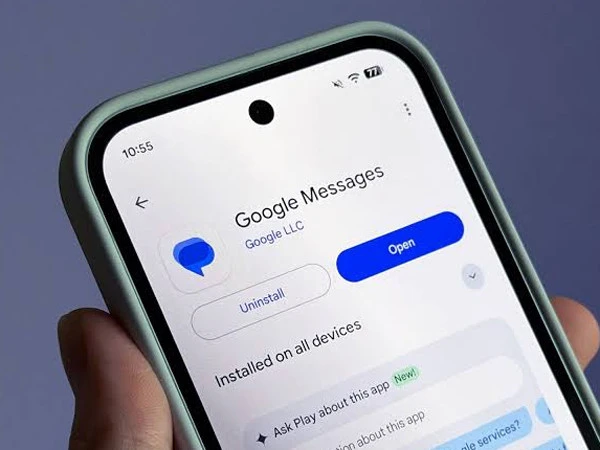
Google Messages has officially rolled out a redesigned long-press menu on Android, making commonly used message actions easier to access. Google announced the update on October 1, 2026, following months of testing. 9to5Google
With the new interface, long-pressing a text message or image brings up a floating menu with options including Reply, Forward, Copy, Star, Delete, Select more and Info. For images, users can also see options such as Remix and Save. 9to5Google
One of the key additions is the ability to copy only a specific portion of a message instead of copying the entire text. Users can long-press a message, press the text again and drag the selection handles over the portion they want. A secondary menu then provides options to Copy, Translate or Select All. 9to5Google
Google has also optimized the redesigned menu for both light and dark themes, as well as landscape orientation, making it easier to navigate on wider screens. 9to5Google
When the latest message in a conversation is selected, Google Messages can display a subtle animation and haptic feedback while moving the selected message toward the center of the screen. 9to5Google
The feature is being rolled out widely through a stable version of Google Messages. Because some parts of the update are controlled server-side, users who do not see the new menu can try force-stopping Google Messages and reopening the app.